API Tokens
Page summary:
API tokens authenticate external requests to the Strapi Content API without exposing user credentials. Each token is scoped to a set of permissions and expires after a configurable duration.
API tokens allow external clients to authenticate requests to the Strapi Content API. For programmatic access to the Admin API, see Admin Tokens.
API tokens and Admin tokens are strictly separated: a Content API token is rejected on admin routes, and an admin token is rejected on Content API routes.
Prefer read-only tokens for public access, scope tokens to only what you need, rotate long-lived tokens, and store them in a secrets manager.
Free feature
Minimum "Access the API tokens settings page" in Roles > Settings - API tokens
Available by default
Available in both Development & Production environment
Configuration
Most configuration options for API tokens are available in the admin panel, and your Strapi project's code can be used to alter how API tokens are generated.
Admin panel settings
Path to configure the feature: Settings > Global settings > API Tokens
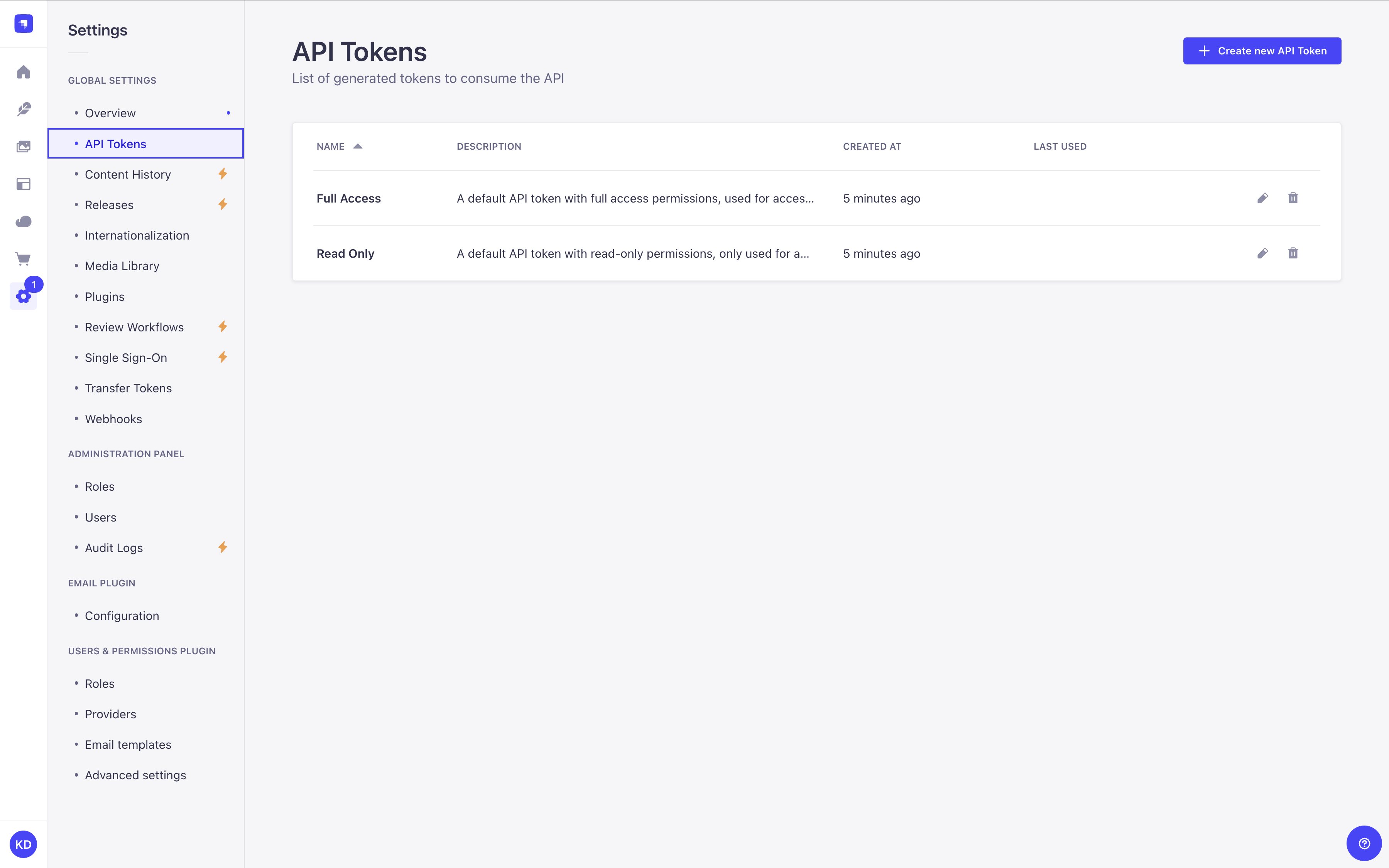
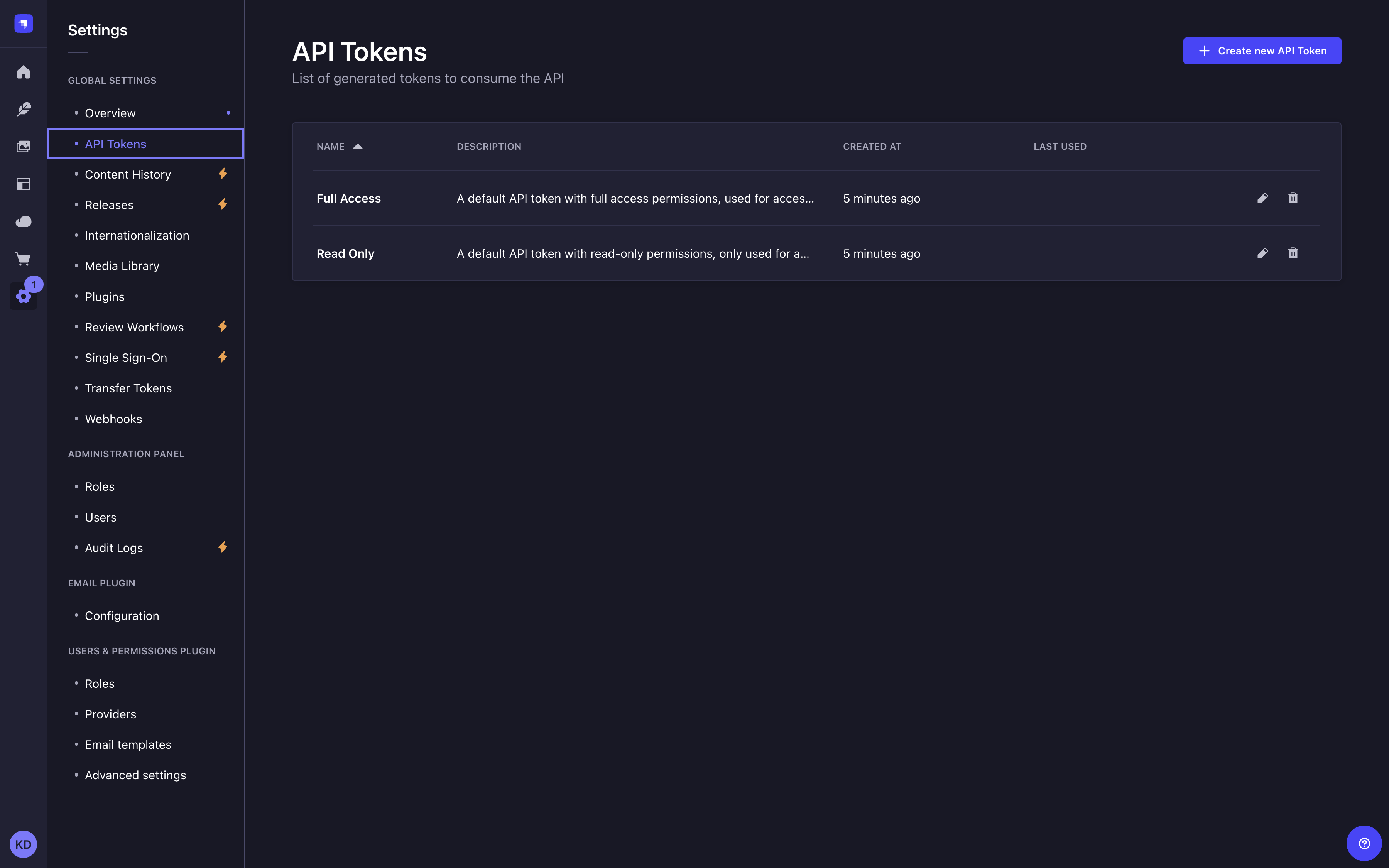
The API Tokens interface displays a table listing all created content-api tokens.
From there, you have the possibility to:
- click on the to edit a token's name, description, type, duration or regenerate the token.
- click on the to delete a token.
Strapi pre-generates 2 API tokens for you, a Full access one and a Read-only one. Since tokens can be only seen once without encryption configured, you may want to regenerate them after setting up an encryption key to make them permanently viewable.
Creating a new API token
-
Click on the Create new API Token button.
-
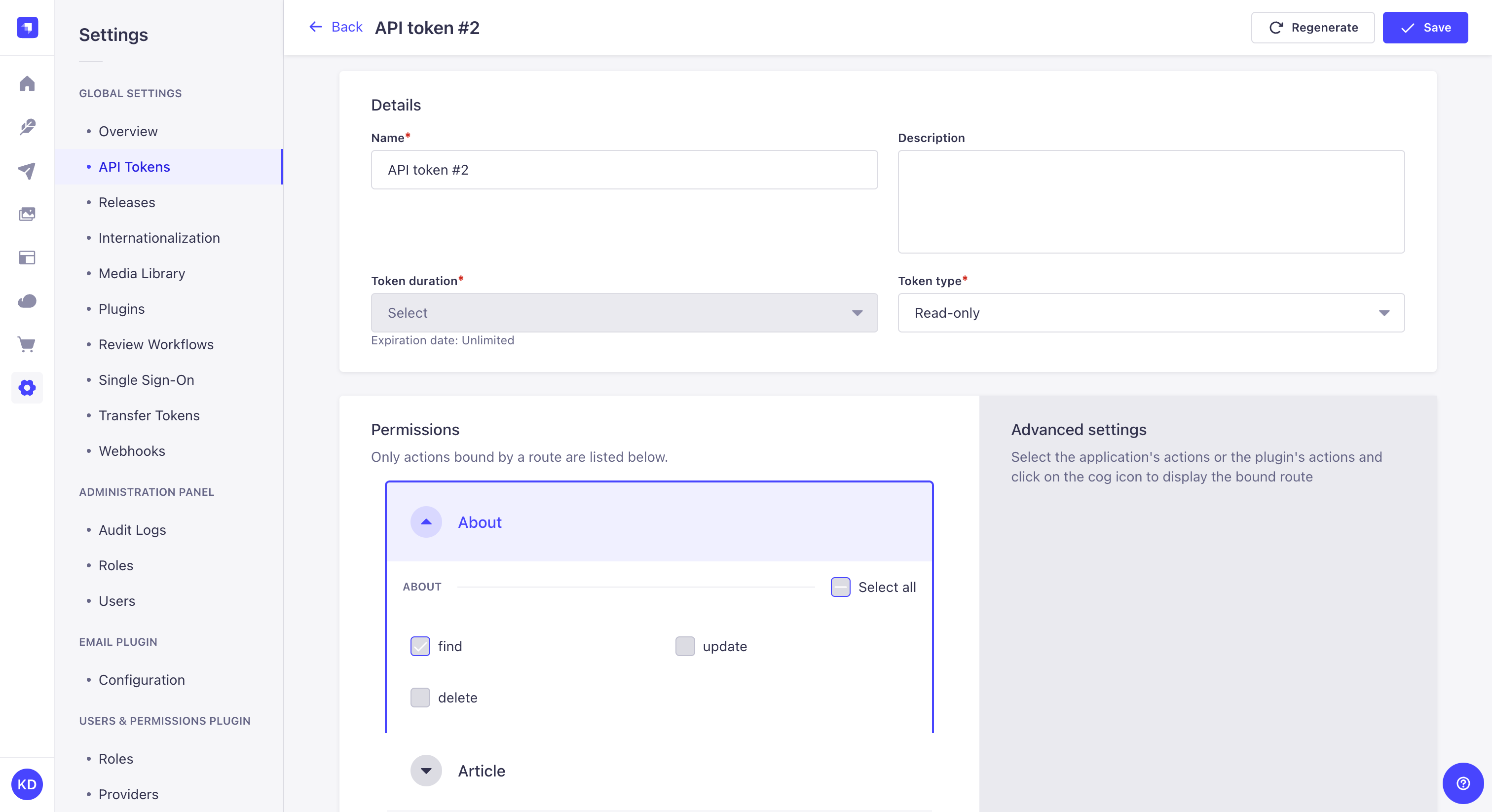
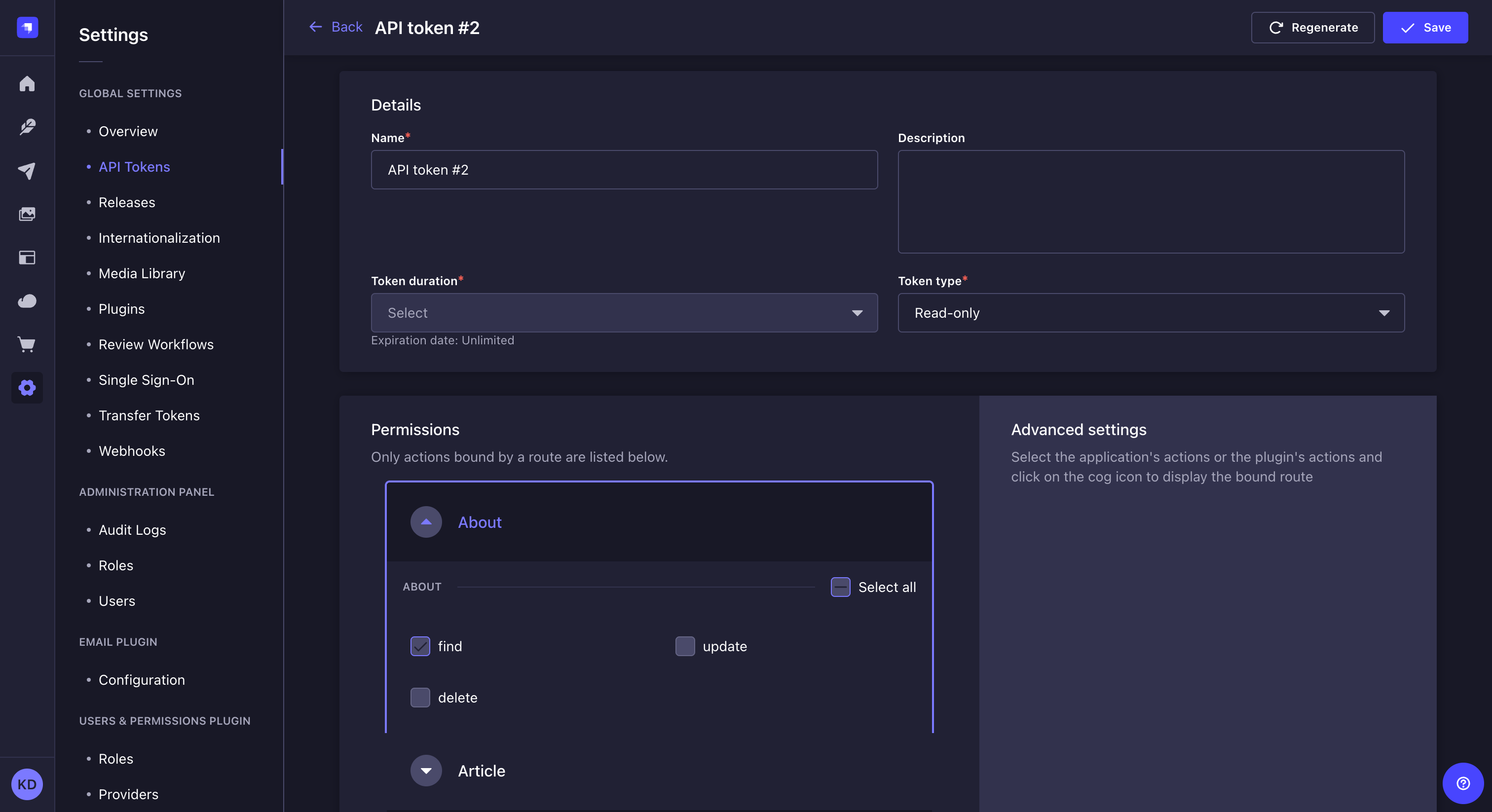
In the API token edition interface, configure the new API token:
Setting name Instructions Name Write the name of the API token. Description (optional) Write a description for the API token. Token duration Choose a token duration: 7 days, 30 days, 90 days, or Unlimited. Token type Choose a token type: Read-only, Full access, or Custom. -
(optional) For the Custom token type, define specific permissions for your API endpoints by clicking on the content-type name and using checkboxes to enable or disable permissions.
-
Click on the Save button. The new API token will be displayed at the top of the interface, along with a copy button .
If an encryption key is configured in your Strapi project (admin.secrets.encryptionKey), the newly created and regenerated API tokens will be viewable at any time in the admin panel.
If no encryption key is set, tokens will only be viewable once, immediately after creation or regeneration.
Regenerating an API token
- Click on the API token's edit button.
- Click on the Regenerate button.
- Click on the Regenerate button to confirm in the dialog.
- Copy the new API token displayed at the top of the interface.
Code-based configuration
New API tokens are generated using a salt. This salt is automatically generated by Strapi and stored in environment variables (the .env file) as API_TOKEN_SALT.
The salt can be customized:
- either by updating the string value for
apiToken.saltin your/config/adminfile - or by creating an
API_TOKEN_SALTenvironment variable in the.envfile of the project
Changing the salt invalidates all the existing API tokens.
Ensuring API tokens are visible in the admin panel
To allow persistent visibility of API tokens in the admin panel, an encryption key must be provided in your /config/admin file under secrets.encryptionKey:
- JavaScript
- TypeScript
module.exports = ({ env }) => ({
  // other config parameters
  secrets: {
    encryptionKey: env('ENCRYPTION_KEY'),
  }
});
export default ({ env }) => ({
  // other config parameters
  secrets: {
    encryptionKey: env('ENCRYPTION_KEY'),
  }
});
This key is used to encrypt and decrypt token values. Without this key, tokens remain usable, but will not be viewable after initial display. New Strapi projects will have this key automatically generated.
For automation workflows that need to call the Admin API programmatically, use admin tokens instead. See Admin Tokens for the full documentation.
Usage
Using API tokens allows executing a request on REST API or GraphQL API endpoints as an authenticated user.
API tokens can be helpful to give access to people or applications without managing a user account or changing anything in the Users & Permissions plugin.
When performing a request to Strapi's REST API, the API token should be added to the request's Authorization header with the following syntax: bearer your-api-token.
Read-only API tokens can only access the find and findOne functions.